PDF PresenterPDF Presenter
PDF Presenter Icon

PDF Presenter

Freemium · Pro available

Present PDF slide decks like a pro.

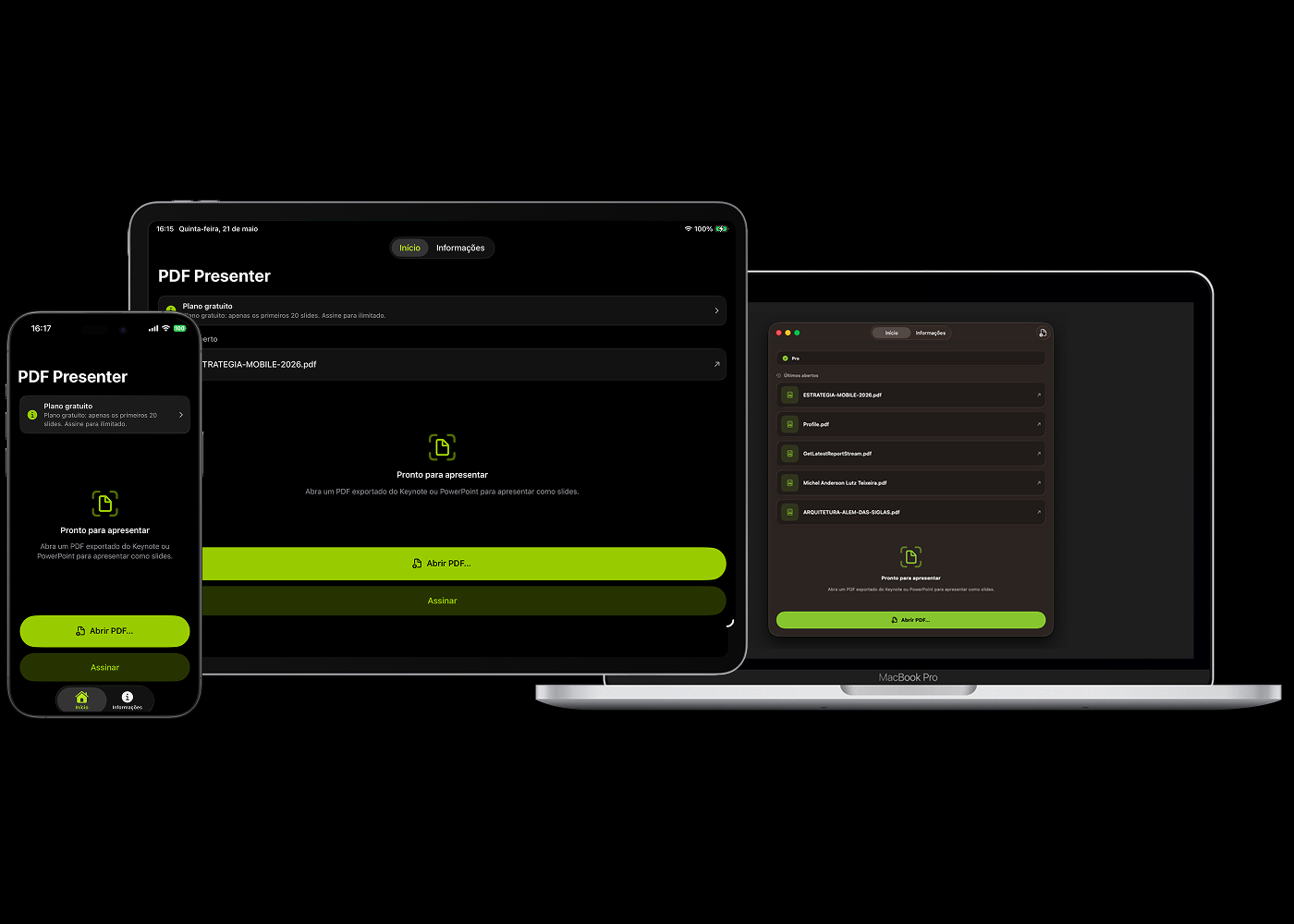
Turn exported PDFs from Keynote, PowerPoint, or any tool into a focused presentation on iPhone, iPad, and Mac. Open, go fullscreen, and move through slides with keyboard, gestures, or a remote.


Download on the App Store
Download on the Mac App Store
PDF Presenter on iPhone, iPad and Mac

Everything you need to present a PDF deck with confidence.

Fullscreen presenter

Fullscreen presenter

A focused slide view with a clear slide counter and minimal on-screen chrome — your content stays center stage.

Advanced navigation

Advanced navigation

Move through slides with arrow keys, Space, Page Up/Down, swipe gestures, and HID keyboards or remotes on iPad and iPhone.

iPhone, iPad & Mac

iPhone, iPad & Mac

A native experience on every device, with keyboard shortcuts on macOS (⌘O to open) and gestures on iOS.

Smart open

Smart open

Reopen your last deck in one tap on the free plan, or up to five recent PDFs with Pro. Import via the system file picker or open PDFs shared from other apps with security-scoped access.

Focused mode

Focused mode

Distraction-free interface with side-tap navigation on iOS and fullscreen support on macOS — built for talks, classes and meetings.

Pro: unlimited + recent history + external display

Pro: unlimited + recent history + external display

Unlock the full deck, keep up to five recent presentations on your device, and beam slides to a TV, projector, or monitor via HDMI cable or AirPlay (Apple TV). Controls stay on your device.

Open PDF → Present → Done.

Free to try with the first 20 slides of any deck. Upgrade to Pro for unlimited slides, up to five recent decks, and external display presentation.

Download on the App Store
Download on the Mac App Store